
30 reminder categories
Start with a category designed for the moment—health, social life, home, finance, work, learning, leisure, travel, or your own custom reminder.
Everyday reminders
Remember what matters—before it slips.
A flexible, offline-first reminder app that helps you prepare for important dates, everyday responsibilities, medication, appointments, deadlines, home life, work, travel, and more.
 Android
Everything in one place
Create the right kind of reminder, decide exactly when and how it should reach you, then follow it through Upcoming, Overdue, and Completed.
Start with a category designed for the moment—health, social life, home, finance, work, learning, leisure, travel, or your own custom reminder.
Add the information that is actually useful for that category, such as dosage, preparation notes, a location, deadline, contact, gift idea, or goal.
Save when the event happens, then decide separately when you want to be reminded: at that time, in advance, or at a custom date and time.
Repeat daily, on selected days, weekdays, weekends, weekly, monthly, quarterly, every six months, or yearly.
Choose a regular notification for a gentle prompt, Alarm mode for something harder to miss, or activate both for extra attention.
Schedule multiple daily doses with individual times and instructions, then mark each occurrence complete as you take it.
Track return and cancellation deadlines separately from deliveries, purchases, subscriptions, and renewals.
Review reminders in a clear daily list, a swipeable seven-day view, or a month calendar with markers and selected-day details.
See what is Upcoming, Overdue, or Completed. Rescheduling an overdue reminder automatically gives it a fresh Upcoming status.
Mark a reminder done from its card, tap to see full information, or press and hold to edit or delete it.
Save a destination for supported reminders and open directions when it is time to go.
Choose the visual style that feels most comfortable while keeping the same simple, familiar workflow.
Choose how it reaches you
Each reminder can use a standard notification, Alarm mode, or both. Permissions are requested only when you activate the related option.
Standard notification
Use a familiar notification with sound and vibration for everyday reminders. Tapping it brings you back to your reminders so you can review the details or mark the task complete.
Alarm mode
Alarm mode is designed to demand more attention than a normal notification. It uses a stronger alarm experience with a visible screen where the alert can be stopped.
Use both
Notification and Alarm mode can be activated together. The reminder card shows each active alert clearly, so you always know how that reminder is configured.
Privacy & access
Reminder details, category-specific information, schedules, statuses, and appearance settings stay in local on-device storage. No account, advertising, or analytics SDK is used. Notifications are restored after a device restart.
Read the Privacy PolicyInside the app
Explore the main screens and see how each part of the experience works together.
01 / 09
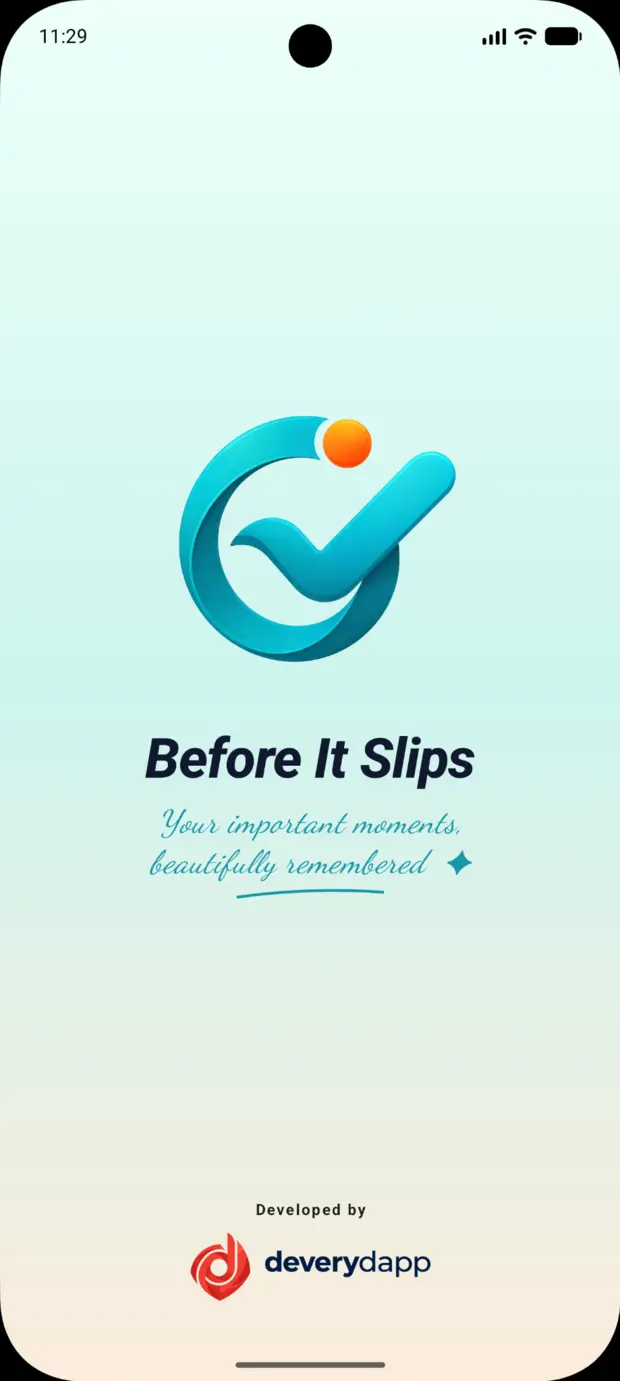
Before It Slips opens with a clean, reassuring welcome that keeps the focus on remembering what matters without adding visual clutter.
Questions & support